The Alumni Online Data Update is an online service that enables you to view or update your personal information to stay in touch with your alma mater.
How to view or update your personal information?
- Access the Alumni Online Data Update by clicking “Update my Personal Information” below.
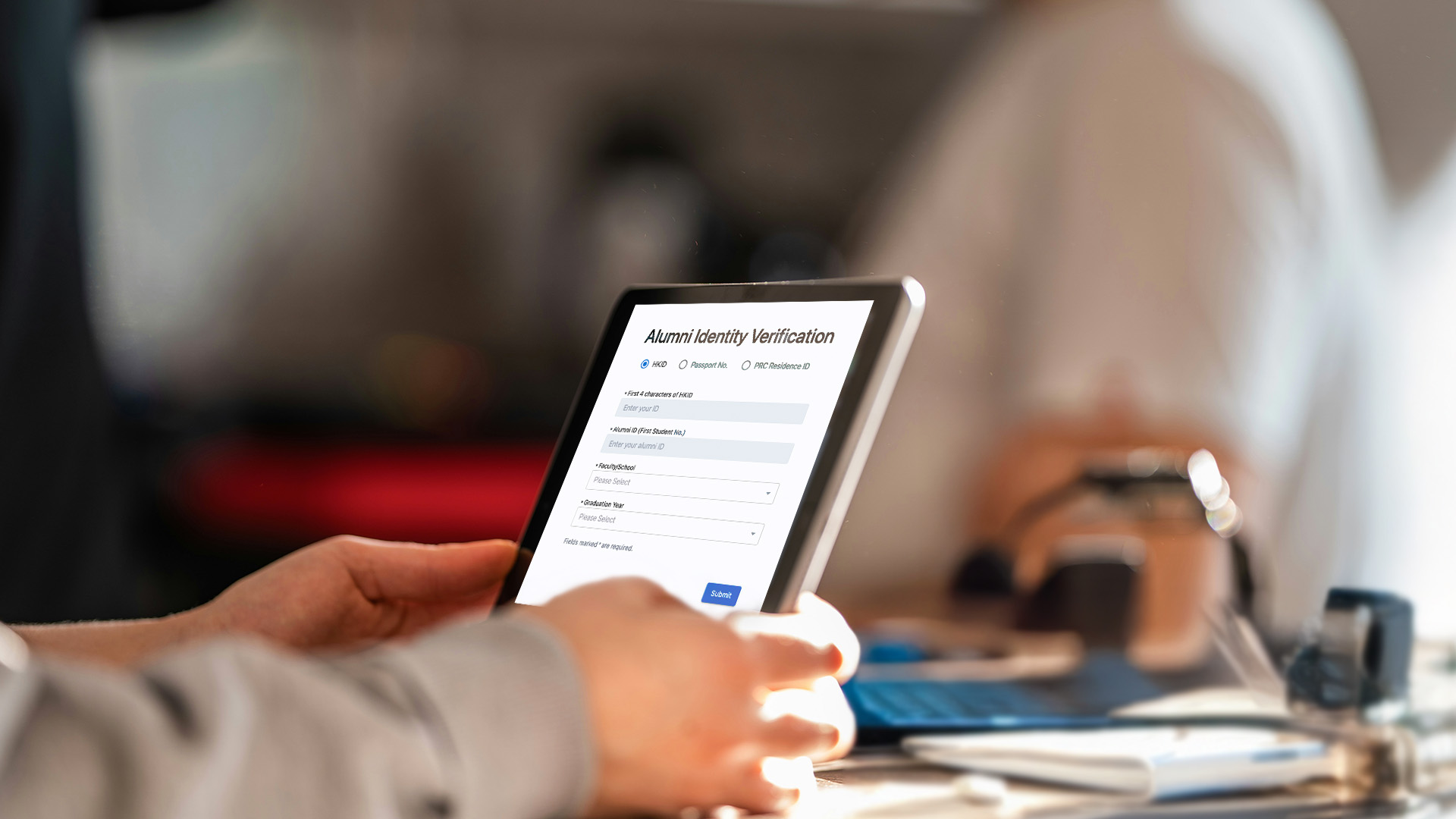
- Fill in your personal details (i.e. first 4 characters of HKID or Passport No. or last 9 characters of PRC Resident ID, Alumni ID* (your first student number), Faculty/School, and Graduation Year) to verify your alumni identity.
- Choose to receive a One-Time Password (OTP) via email or mobile SMS (the OTP will be sent to your preferred email address or mobile number registered with the University#).
- Check your mailbox or mobile SMS and enter the OTP for verification.
- Read and agree to the University’s Privacy Policy Statement & Personal Information Collection Statement.
- The personal information that can be viewed or updated in Alumni Online Data Update includes marital status, WeChat ID, preferred phone number, preferred email address, mailing addresses, career information, qualification and body membership, and direct marketing or subscription preferences.
*In case you forget your Alumni ID or other required information, please contact the Alumni Affairs Office at alumni@hkbu.edu.hk, providing your personal details (i.e. full name in English, full name in Chinese (if applicable), Faculty/School, graduation year, and first 4 characters of HKID or Passport No., or last 9 characters of PRC Resident ID) to retrieve your Alumni ID.
#If you do not have any email address or mobile number registered with the University, please contact the Alumni Affairs Office at alumni@hkbu.edu.hk for assistance.